How Growing Manufacturers Automate Inventory to Meet Demand?

In today’s fast-paced manufacturing world, demand shifts in days, not months. According to McKinsey, manufacturers that leverage inventory automation can reduce stockouts by up to 30% and lower carrying costs by 20–50%. For growing manufacturers, the challenge isn’t just producing more — it’s producing smartly.

If your team still juggles spreadsheets, manual counts, and siloed tools, you’re at risk of lost sales, delayed orders, and rising costs. The good news? Automating inventory to meet demand is not only possible, it’s surprisingly achievable with the right CRM + ERP integration.

In this post, we’ll explore why inventory automation matters, the best practices for implementation, and how CRMLeaf can be your trusted partner in scaling your operations.

Why Automating Inventory to Meet Demand is Critical for Growth

For small and mid-sized manufacturers, manual inventory management often works — until it doesn’t. As demand scales, so do the complexities.

Here’s why it matters:

  • Accuracy drives trust – Sales and operations need real-time inventory visibility to prevent overselling or production delays.
  • Speed impacts customer experience – Faster order fulfillment builds customer loyalty.
  • Cost control is essential – Overstock ties up capital; stockouts cost sales.
  • Integration fuels productivity – Linking your CRM and ERP eliminates double entry and reduces human error.

Industries Feeling the Pressure:

  • Food & Beverage Manufacturing – Short shelf life means timing is everything.
  • Automotive Parts – Demand spikes during seasonal service cycles.
  • Consumer Electronics – Rapid product turnover demands agile stock control.

Without inventory automation, these industries face bottlenecks that slow growth and frustrate customers. With it, they achieve seamless supply chain optimization.
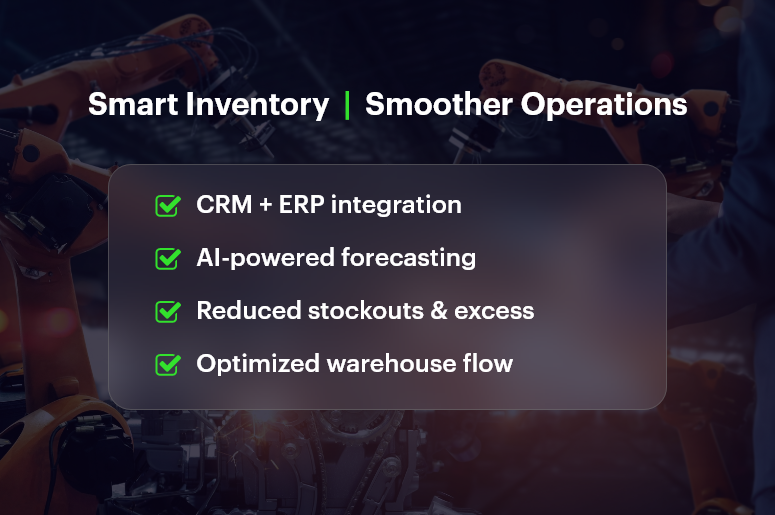
Smart Inventory Smoother Operations

Best Practices to Automate Inventory and Meet Demand

Here’s how growing manufacturers can make it happen:

1. Integrate Your CRM and ERP

  • Eliminate data silos between sales, production, and finance.
  • Give teams a single source of truth for stock control and demand forecasts.
  • Example: Sales sees real-time stock levels, while operations sees confirmed orders instantly.

2. Use Real-Time Inventory Tracking Systems

  • Deploy inventory management software with barcode/RFID scanning.
  • Update inventory counts instantly when goods are received, produced, or shipped.
  • Benefit: Reduce human error by up to 90% compared to manual entry.

3. Implement Demand Forecasting Tools

  • Use historical sales data, market trends, and seasonal patterns to forecast demand.
  • Adjust production schedules automatically to avoid overstock or stockouts.
  • CRMLeaf’s analytics module offers AI-driven forecasting.

4. Automate Reorder Points

  • Set minimum stock levels that trigger purchase orders automatically.
  • Avoid last-minute scrambles with supplier integration.
  • Benefit: Smoother production planning and improved supplier relationships.

5. Optimize Warehouse Layout & Processes

  • Use warehouse management systems (WMS) to streamline picking, packing, and shipping.
  • Map high-demand items closer to packing stations for speed.
  • Incorporate FIFO/LIFO rules for better inventory turnover.

6. Connect Inventory Data to Financial Planning

  • Inventory cost reduction comes from linking purchasing, sales, and finance data.
  • Track carrying costs, shrinkage, and write-offs in real time.
  • Build more accurate budgets and forecasts.

7. Train Teams for Tech Adoption

  • Even the best inventory tracking systems fail without adoption.
  • Provide hands-on training and process documentation.
  • Celebrate quick wins to build momentum.

Customer Success Story

A mid-sized automotive parts manufacturer, implemented CRMLeaf’s inventory automation and CRM + ERP integration. Within six months, they achieved:

  • 25% faster order fulfillment
  • 30% reduction in excess stock
  • 15% increase in customer satisfaction scores

They attributed their success to real-time visibility, automated reorder points, and the elimination of manual data entry.

Key Takeaways: Why You Should Automate Inventory to Meet Demand

Automating inventory isn’t just about tech — it’s about aligning sales, operations, and finance so they work from the same playbook.

Remember:

  • Real-time visibility means fewer mistakes and happier customers.
  • Automation slashes manual effort and speeds up decision-making.
  • CRM + ERP integration creates a unified, growth-ready operation.

Bullet Points Recap:

  • Reduce stockouts and overstock issues.
  • Improve order fulfillment speed.
  • Gain accurate demand forecasting.
  • Free up cash by reducing excess inventory.
  • Improve cross-department collaboration.

Top 5 Production Bottlenecks and How CRM Helps Fix Them

Every manufacturer knows the frustration of a production bottleneck. One delay in the workflow and suddenly shipments are late, customer satisfaction dips, and costs spiral. In fact, according to a McKinsey study, inefficiencies in manufacturing processes can eat up 20 – 30% of total output potential.

For growing businesses, these bottlenecks don’t just slow production — they throttle revenue growth. The problem isn’t only equipment failure or raw material shortages; it’s often a mix of poor visibility, misaligned communication, and outdated systems.

In this article, we’ll break down the top five production bottlenecks and how CRM helps fix them. You’ll learn practical strategies to identify, prevent, and eliminate these issues, and see how a CRM integrated with ERP can become the backbone of operational efficiency.

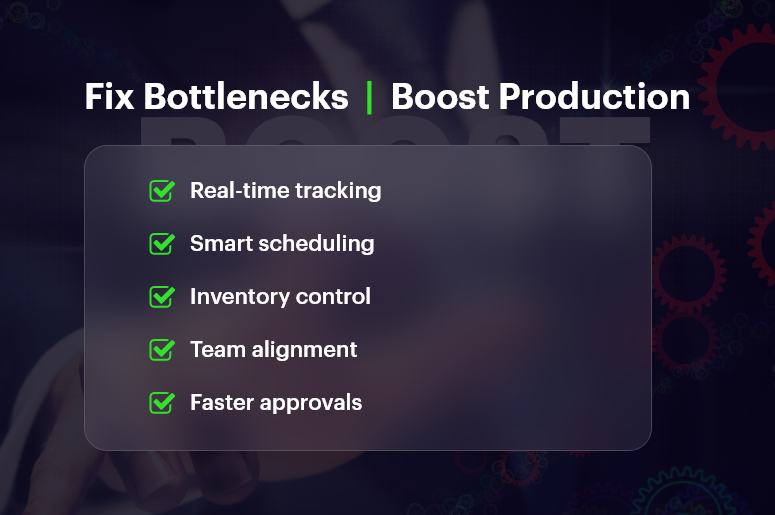
Fix Bottlenecks Boost Production

Why Fixing Production Bottlenecks is Essential for Growth

For small and mid-sized manufacturers, production delays are more than just a nuisance — they’re a profit killer. Left unchecked, bottlenecks lead to:

  • Missed delivery deadlines and unhappy customers
  • Increased overtime costs to make up for lost time
  • Overstocked or understocked inventory due to poor planning
  • Strained relationships with suppliers and distributors

Industries where this hits hardest:

  • Consumer goods manufacturing – Seasonal spikes demand flawless scheduling.
  • Automotive components – Just-in-time production leaves no room for delays.
  • Food and beverage – Perishable products require strict timing.

This is where CRM in manufacturing changes the game. By centralizing data, automating workflows, and providing real-time insights, CRM software doesn’t just manage customers — it manages entire production ecosystems.

The Top 5 Production Bottlenecks and How CRM Fixes Them

1. Poor Visibility into Production Status

The problem: When teams rely on manual updates or siloed systems, they often work with outdated information. This leads to miscommunication and delays.

How CRM helps:

  • Provides real-time production tracking dashboards.
  • Links sales orders directly to work order management.
  • Alerts teams instantly when production milestones are reached or delayed.

Quick Win: Integrate your CRM and ERP so production data is automatically updated across departments.

2. Inefficient Scheduling and Capacity Planning

The problem: Without accurate capacity planning, production lines get overloaded or underutilized, creating costly downtime.

How CRM helps:

  • Tracks resource allocation in real time.
  • Uses historical data to optimize production scheduling.
  • Automatically balances workloads across teams and shifts.

Quick Win: Use CRM reports to forecast upcoming demand and adjust schedules before bottlenecks occur.

3. Inventory Shortages or Overstock

The problem: Poor inventory control either stalls production due to shortages or ties up capital in unused stock.

How CRM helps:

  • Integrates with inventory management systems for real-time stock control.
  • Automates reorder points based on demand forecasting.
  • Reduces carrying costs through optimized stock levels.

Quick Win: Set up low stock alerts in CRM to trigger automated purchase orders.

4. Communication Breakdowns Between Departments

The problem: Sales, operations, and procurement often operate in silos, leading to errors and missed opportunities.

How CRM helps:

  • Creates a single source of truth for all teams.
  • Automates status updates to relevant stakeholders.
  • Improves sales and operations alignment for accurate delivery promises.

Quick Win: Use CRM’s workflow automation to send instant notifications when key production stages are completed.

5. Delays in Approvals or Decision-Making

The problem: Waiting for manual approvals can stall production, especially for custom orders or urgent changes.

How CRM helps:

  • Enables mobile approvals so managers can act instantly.
  • Sets automated approval workflows for routine requests.
  • Keeps an audit trail of all decisions for accountability.

Quick Win: Configure your CRM so any urgent production changes trigger an instant decision request to the right person.

Customer Success Story

PrecisionTech, a mid-sized electronics manufacturer, implemented CRMLeaf to eliminate production delays. In just six months, they saw:

  • 28% reduction in downtime
  • 40% faster order processing
  • 15% increase in on-time deliveries

They credit these gains to real-time visibility, automated scheduling, and seamless communication between sales and production teams.

Key Takeaways: Turning Bottlenecks into Breakthroughs

Eliminating production bottlenecks is about more than fixing single issues — it’s about building a connected, data-driven operation.

With CRMLeaf, you can:

  • Identify and fix bottlenecks before they hurt output.
  • Gain real-time visibility into production.
  • Improve communication between all departments.
  • Reduce costs by optimizing scheduling and inventory.

Remember: Every delay has a root cause. The faster you identify it, the faster you can fix it — and the right CRM turns that process into a competitive advantage.

Why Does Your Sales Team Need Live Inventory Data?

Imagine this: your sales rep promises a key client that their order will ship tomorrow… only to find the product is out of stock. The result? A frustrated customer, a lost deal, and a blow to your brand’s credibility.

Unfortunately, this happens every day in businesses without live inventory data. In fast-moving markets, knowing exactly what’s in stock — in real time — is no longer optional.

In this post, we’ll explore why your sales team needs live inventory data, how it improves order accuracy, and why integrating your CRM for sales teams with inventory tracking is one of the smartest investments your business can make.

Why Live Inventory Data Is Essential for Growing Businesses

Today’s buyers expect instant answers. They don’t want to wait for a call-back while your sales rep checks with the warehouse.

For growing businesses, the benefits of real-time inventory visibility go far beyond convenience:

  • Customer trust — Sales teams can confidently commit to delivery dates.
  • Faster sales cycles — Reps close deals in the moment instead of chasing stock confirmations.
  • Fewer returns and cancellations — Orders align perfectly with available stock.
  • Better sales forecasting accuracy — Inventory and sales data inform each other.

Example: A mid-sized electronics distributor once spent hours each week reconciling spreadsheets. After implementing CRM inventory tracking, sales reps instantly knew what was in stock, reducing lost sales opportunities by 28% in the first quarter.

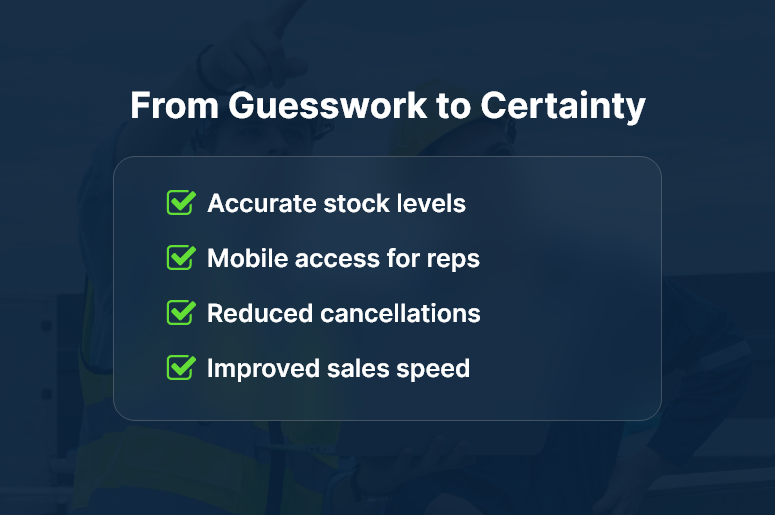
From Guesswork to Certainty

Best Practices for Leveraging Live Inventory Data in Sales

1. Integrate Sales and Inventory Systems for Seamless Updates

Disconnected systems slow your team down. Sales and inventory integration through CRMLeaf ensures every stock change updates instantly across sales, operations, and fulfillment.

Quick wins:

  • Sync product catalogs between CRM and ERP.
  • Automate stock alerts for popular items nearing depletion.

2. Use Live Product Availability to Boost Customer Confidence

Nothing closes a deal faster than showing the customer you have what they want — right now.

How to implement:

  • Display live product availability in your sales portal.
  • Give reps mobile access to inventory levels during meetings.

3. Improve Sales Forecasting Accuracy with Data Insights

By pairing ERP and CRM integration, you can track seasonal demand patterns and adjust ordering accordingly.

Pro tip:

  • Use CRMLeaf dashboards to monitor sales velocity vs. stock turnover.
  • Forecast demand for top-selling products to avoid both shortages and excess stock.

4. Enhance Order Fulfillment Speed with Real-Time Stock Data

When sales, inventory, and fulfillment teams share one source of truth, orders move faster.

Action steps:

  • Auto-generate pick lists from confirmed sales orders.
  • Enable warehouse teams to see orders the instant they’re closed.

5. Reduce Costs Through Smarter Inventory Management

Inventory management for sales isn’t just about selling — it’s about buying smarter.

Best practices:

  • Track slow-moving items to avoid overstocking.
  • Use data to negotiate better supplier terms.

Customer Success Story

For example, Titan Tools, a regional industrial supplier, used CRMLeaf’s live inventory feature to transform their sales process.
Before integration, sales reps often oversold high-demand tools, resulting in cancellations and refunds. After going live with CRM inventory tracking:

  • On-time order fulfillment improved by 42%
  • Stock-outs on top 10 products dropped by 60%
  • Customer satisfaction scores increased by 18% within six months

Today, Titan Tools wins repeat business because customers trust their availability promises.

Key Takeaways: Why Live Inventory Data Gives Sales a Competitive Edge

Why does your sales team need live inventory data? Because in today’s competitive markets, speed, accuracy, and trust win deals.

In summary:

  • Live inventory data ensures your team sells with confidence.
  • Integration between CRM and inventory eliminates costly errors.
  • Real-time visibility accelerates sales cycles and boosts customer trust.
  • Better forecasting means you stock exactly what customers want.

By empowering your sales team with real-time inventory visibility, you not only improve efficiency but also create lasting customer loyalty.

Manage Documents & Contracts Securely in CRM

Did you know that employees spend nearly 20% of their time searching for documents? That’s a full workday each week — wasted. Now imagine the cost when the wrong contract version is sent, or a critical document goes missing. As teams grow and customer data multiplies, the need to manage documents and contracts securely in CRM becomes non-negotiable.

In this blog, we’ll break down exactly why this matters, what businesses can do, and how CRMLeaf’s secure document management features can help you stay compliant, efficient, and ahead of the curve.

Why Secure Document & Contract Management Matters for Business

Paper clutter is a thing of the past — but digital chaos is just as dangerous. As businesses expand, so do their digital files. Think sales proposals, signed contracts, onboarding docs, vendor agreements, and audit trails. Now multiply that by departments, clients, and regions.

For growing teams in industries like real estate, legal services, and B2B SaaS, managing this information manually or across disconnected tools is a recipe for errors, delays, and compliance risks.

Here’s why smart businesses choose to manage documents and contracts securely in CRM:

  • Compliance and Audit-Readiness Secure CRMs provide timestamped document logs, ensuring you meet data protection regulations like GDPR, HIPAA, or SOC2 with minimal effort.
  • Single Source of Truth When contracts, proposals, and communications are all stored centrally, teams stop wasting time searching across inboxes and folders.
  • Faster Approvals and Closures Digitally managing contracts reduces approval delays. Workflows, version control, and eSignature integrations accelerate business.
  • Reduced Risk of Data Breach Encrypted file sharing and role-based access controls protect your sensitive documents from unauthorized access.
  • Better Collaboration With CRM document management, your sales, legal, and finance teams can work on the same contract with tracked updates — without ever needing to download the file.

Lost Contracts Lost Deals

Best Practices to Manage Documents and Contracts Securely in CRM

To truly benefit, you need more than storage. You need strategy. Let’s walk through actionable best practices that empower businesses to maintain secure, streamlined control over their contracts and documents.

1. Use Role-Based Access Controls

Not everyone should have access to every file. CRMs like CRMLeaf allow you to define user roles and restrict document access based on department, project, or clearance level.

2. Centralize Documents in a Digital Contract Repository

Keep all files in a centralized document control area inside your CRM. No more shared drive chaos or scattered attachments.

3. Automate Contract Lifecycle Management

Set up workflows to trigger notifications, contract renewals, expiration alerts, and approval requests to automate your document approval workflow.

4. Leverage Version History & Audit Trails

Always know who edited what and when. A secure CRM document storage system ensures every update is logged for full transparency.

5. Enable Encrypted File Sharing

When sharing contracts or proposals externally, use CRM platforms with encrypted file sharing to eliminate leak risks.

6. Integrate eSignature Tools

Enable CRM with eSignature support to cut down turnaround time for contract closures. Customers can sign digitally — fast, secure, and paperless.

7. Set Expiry Dates & Auto-Reminders

Avoid missed deadlines by tagging documents with review or renewal dates. CRMLeaf automatically sends reminders ahead of time.

8. Tag & Categorize for Searchability

Organize files using smart tags like client name, project ID, contract type, etc. Finding documents becomes effortless.

Customer Success Spotlight

For example, NovaLegal, a legal advisory firm, used CRMLeaf’s contract lifecycle management to reduce document processing time by 60%. Here’s how:

  • They centralized over 15,000 contracts using CRMLeaf’s digital contract repository.
  • Using document approval workflows, they cut down manual follow-ups and improved approval turnaround.
  • With CRMLeaf’s secure data storage in CRM, they ensured GDPR compliance without investing in external tools.

The result? Faster deal cycles, lower legal risks, and a 3X increase in document collaboration across departments.

Key Takeaways

  • Secure document and contract management isn’t optional — it’s essential for compliance, collaboration, and customer trust.
  • You need more than storage — you need encrypted file sharing, eSignature integrations, and automated workflows.
  • With CRMLeaf, you don’t just manage documents and contracts securely in CRM — you turn document chaos into organized, audit-ready productivity.

In short, the right CRM can give your team peace of mind while improving efficiency and closing deals faster.

Automate Follow-Ups for Site Visits & Open Houses with CRM

Did you know that 80% of sales require at least five automate follow-ups to close a deal, but 44% of agents give up after just one? This gap is especially problematic in industries like real estate, construction, and home improvement, where site visits and open houses are high-intent moments — but if not followed up promptly, they lose momentum.

So why is consistent follow-up so hard?

Because juggling calls, messages, and calendars manually is time-consuming, error-prone, and unscalable.

That’s where automation comes in.

In this blog, you’ll learn how to automate follow-ups for site visits & open houses using CRMLeaf’s unified CRM + ERP platform. We’ll cover the business benefits, best practices, and real-world examples to help you convert site visits into deals — with less effort and more consistency.

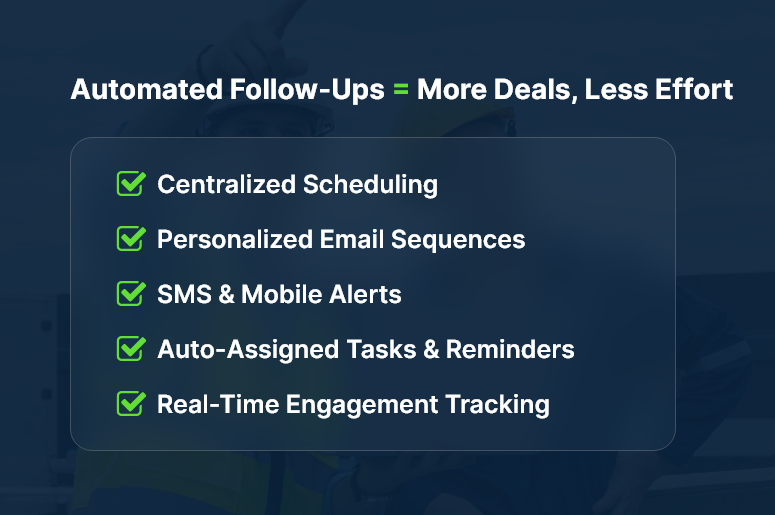
Automated Follow-Ups = More Deals, Less Effort

Why Automated Follow-Ups Matter for Growing Businesses

For real estate agents, field service professionals, and interior designers, site visits and open houses are a crucial touchpoint. These in-person interactions signal high interest — but they also require fast, consistent follow-up to maintain that momentum.

However, small and mid-sized businesses often struggle with:

  • Manual scheduling and reminders — which leads to dropped leads and missed opportunities.
  • Disjointed tools — using spreadsheets, calendars, and email platforms that don’t talk to each other.
  • Lack of follow-up visibility — teams don’t know who followed up, when, or what was discussed.

This creates lost revenue, slower sales cycles, and a poor client experience.

Automated follow-ups solve all these problems. When powered by a CRM + ERP platform, they ensure every lead from a site visit or open house receives a personalized follow-up message, scheduled reminders, and continues moving through the pipeline.

Industries that benefit the most:

  • Real Estate Agencies – Automatically follow up with every attendee post–open house, with tailored emails and listings.
  • Home Renovation Firms – Send post-site visit estimates, project photos, and reminders for approvals.
  • B2B Equipment Sales – Trigger product specs, pricing, and next steps after demo site visits.

When you automate follow-ups for site visits & open houses, you’re not just saving time — you’re creating a system that never lets a lead fall through the cracks.

Best Practices: How to Automate Follow-Ups Effectively

1. Capture Site Visit Data Automatically

  • Use CRMLeaf’s appointment scheduler or calendar sync to log every site visit or open house instantly. This ensures that no visit goes unrecorded and every lead is properly categorized.
  • Automatically associate leads with properties or projects, so you can trace communication back to a visit and personalize future touchpoints.
  • Include notes, tags, and photos to personalize follow-ups based on the in-person experience.

2. Set Up Triggered Follow-Up Workflows

  • Build automation rules: For example, “Send follow-up email 2 hours after site visit ends.” This ensures timely responses and consistent lead engagement.
  • Trigger a sequence of messages: thank you emails, additional listings, project estimates, or review requests.
  • Add dynamic placeholders to personalize each message with names, visit dates, or specific property names.

3. Assign Tasks and Reminders

  • Automatically assign a follow-up task to the sales rep once the site visit is complete, keeping the process on track.
  • Use priority flags and due dates to keep things from slipping.
  • Get notifications if no follow-up is completed within a defined time window (say, 48 hours).

4. Leverage SMS and Mobile Alerts

  • CRMLeaf enables SMS reminders and mobile push alerts for high-urgency contacts, improving engagement.
  • This boosts response rates, especially in fast-moving markets or B2C industries.
  • You can also integrate WhatsApp or Facebook Messenger via CRMLeaf’s communication modules.

5. Track Engagement and Optimize the Funnel

  • Monitor which leads open, click, or reply to follow-up messages to measure effectiveness.
  • Adjust your message templates and timing based on performance insights.
  • Use CRM dashboards to visualize conversion stages: from visitfollowupproposalclosed deal.

6. Enable Multi-Channel Follow-Ups

  • Don’t rely on just one channel. Mix emails, calls, texts, and in-app messages in your automation workflows.
  • CRMLeaf supports omnichannel contact records, helping you stay in sync regardless of how the lead communicates.
  • This ensures your buyer engagement doesn’t feel robotic — it feels timely and personalized.

7. Integrate with Calendar and Sales Tools

  • Sync your CRM + ERP with Google Calendar, Outlook, or Zoom to send pre- and post-visit follow-ups.
  • If a meeting is rescheduled or canceled, automation rules can update the follow-up plan accordingly.
  • This reduces administrative overhead and keeps your funnel moving forward — even during chaos.

Customer Success Story

For example, EliteProperty Group, a mid-sized real estate brokerage, used CRMLeaf’s automation suite to follow up with open house attendees. Within 3 months:

  • They boosted response rates by 41% through automated, personalized emails.
  • Average deal closure time dropped by 28% thanks to consistent, timely follow-ups.
  • Sales reps saved nearly 7 hours per week, which they reinvested into client showings and negotiations.

Their strategy was simple: use CRMLeaf to automate follow-ups for every site visit, send event-specific listings, and track response behavior in real-time.

Key Takeaways & Closing

When you automate follow-ups for site visits & open houses, you:

  • Centralize your communication, ensuring no visitor is left without follow-up.
  • Accelerate sales timelines with consistent, rule-based outreach.
  • Improve team productivity by eliminating manual tasks.

In short, automated follow-ups allow you to stay ahead, appear more professional, and close more deals — without increasing your workload.
Whether you’re a real estate agent, contractor, or B2B vendor, CRMLeaf gives you the tools to turn visits into revenue.